Photo booth platform evidence
More than a photo booth booking diary
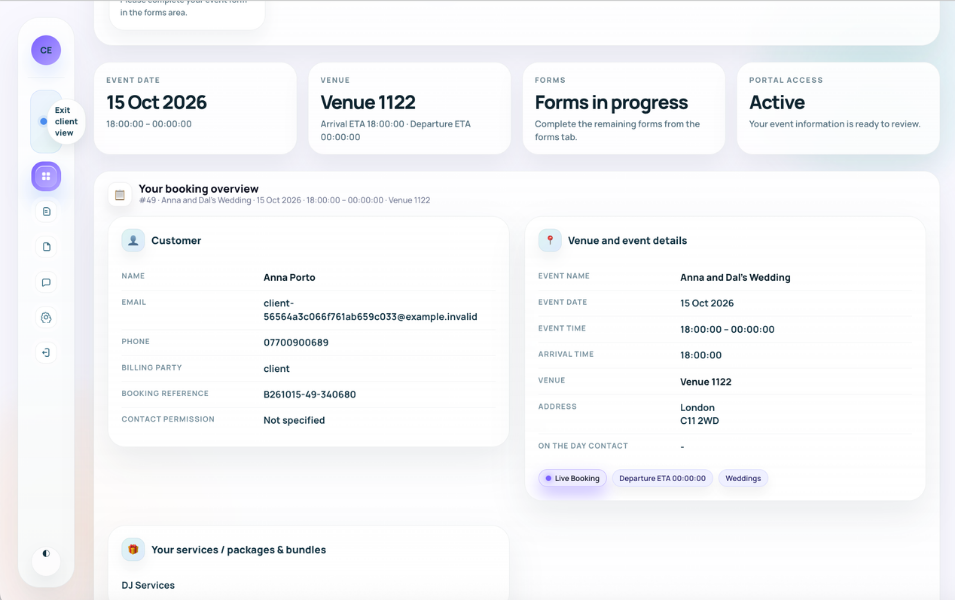
Planellio connects photo booth enquiries, CRM, availability, packages, proposals, contracts, payments, client planning, booth assets, attendants and job information. The same booking can also include other event services without reducing those services to disconnected invoice lines.
For example, one event can contain a photo booth, DJ, LED starlit dancefloor, light-up letters and audio guestbook. Each service can retain its own assets, quantities, extras, package configuration, staffing and operational information while the client sees one connected event journey.
Native WYSIWYG editor and template choice
Administrators can maintain finished or editable photo templates. Clients can browse and select a finished design with overlay wording, or personalise an operator-enabled native template visually in the Client Portal. The WYSIWYG editor supports multiple configured layouts and text layers with drag positioning, font choice, font size, colour, rotation, bold, italic and alignment; the operator can download the completed artwork for production. TemplatesBooth is a separate catalogue-selection provider, not the native editor.
- Finished-template library and client-visible choices
- Native visual WYSIWYG personalisation
- Multiple layouts and configurable text layers
- Position, font, size, colour, rotation and alignment controls
- Downloadable completed artwork
- Separate TemplatesBooth catalogue selection
- Admin review, reminders and automation conditions
Photo booth sales and planning
The photo booth workflow starts before the booking and continues after payment, keeping customer choices and delivery details connected.
- Enquiries, leads and source reporting
- Packages, variants, extras and availability
- Multiple quotes and branded proposals
- Contracts, deposits, invoices and receipts
Delivery and mixed services
A booth can reserve physical equipment and require a booth attendant while another service on the same event reserves different stock and roles.
- Booth assets and package requirements
- Questionnaires and outstanding client actions
- Booth-attendant requirements and assignment
- Job sheets, venue detail and multi-service handover